

When to use this: The patient came in for profiling today, but they're not having a consult during this visit
You can complete just the FPE today and submit the case to PhilHealth. The patient can come back later for the consult, and their saved FPE will carry over.
Step 1: Complete the 9 FPE sections
Fill in Sections 1 to 9 as you normally would. Make sure each has a green dot beside it.
For details on the FPE sections, see How to complete a First Patient Encounter (FPE).
Step 2: Click Save & Complete
You'll see a warning that the Consult sections (10 to 15) are missing.
⚠️ Once you mark a record as Complete, you can no longer edit it. Make sure your FPE is final before clicking.
Step 3: Click Save Anyway
This tells the system you're intentionally completing the visit at FPE only. The case will go to your submission queue once the status changes to For Submission.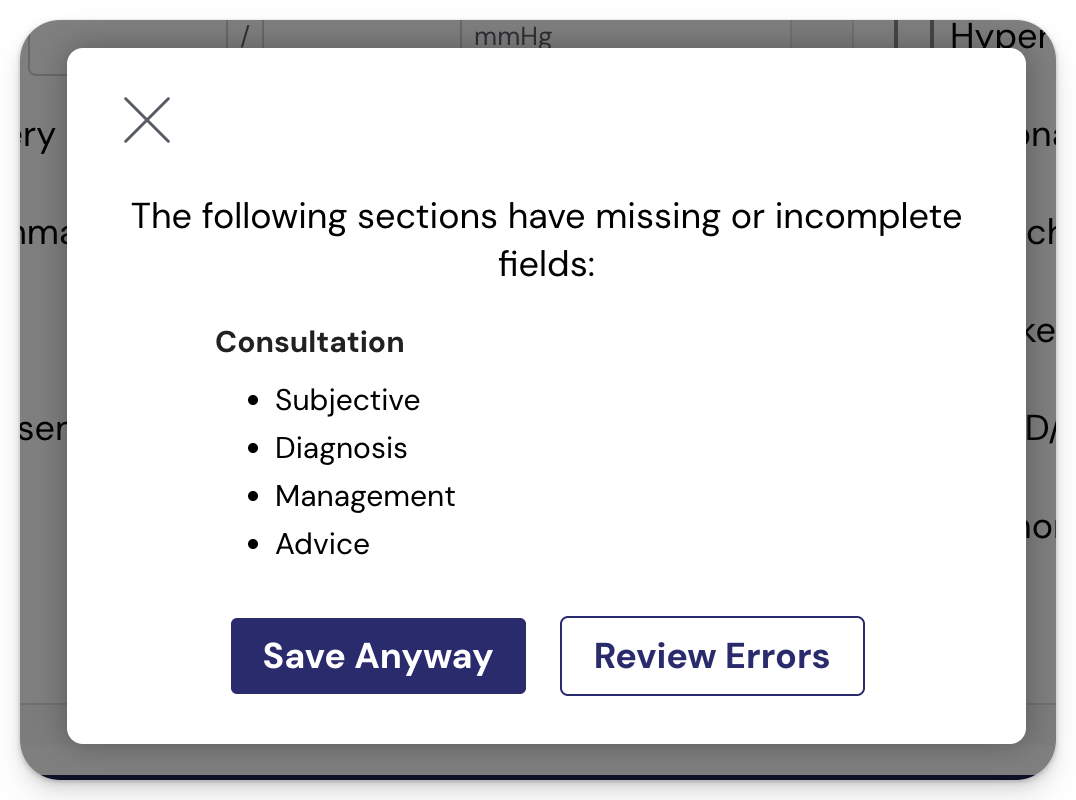
When the patient comes back for the consult
For their next visit:
- Add them to your Daily Visit or PCU Checker App again. A fresh liveness proof is required for every visit.
- They'll appear in your Daily Visit for that day, with the FPE from this visit already saved.
- Open the record, complete fresh Vitals, and proceed with the Consult sections (10 to 15).
You won't need to redo Sections 2 to 9 as those carry over.
