

PhilHealth's OS ticketing system (itsupport.philhealth.gov.ph) is where you raise concerns directly to PhilHealth. Your facility files its own tickets from its own account.
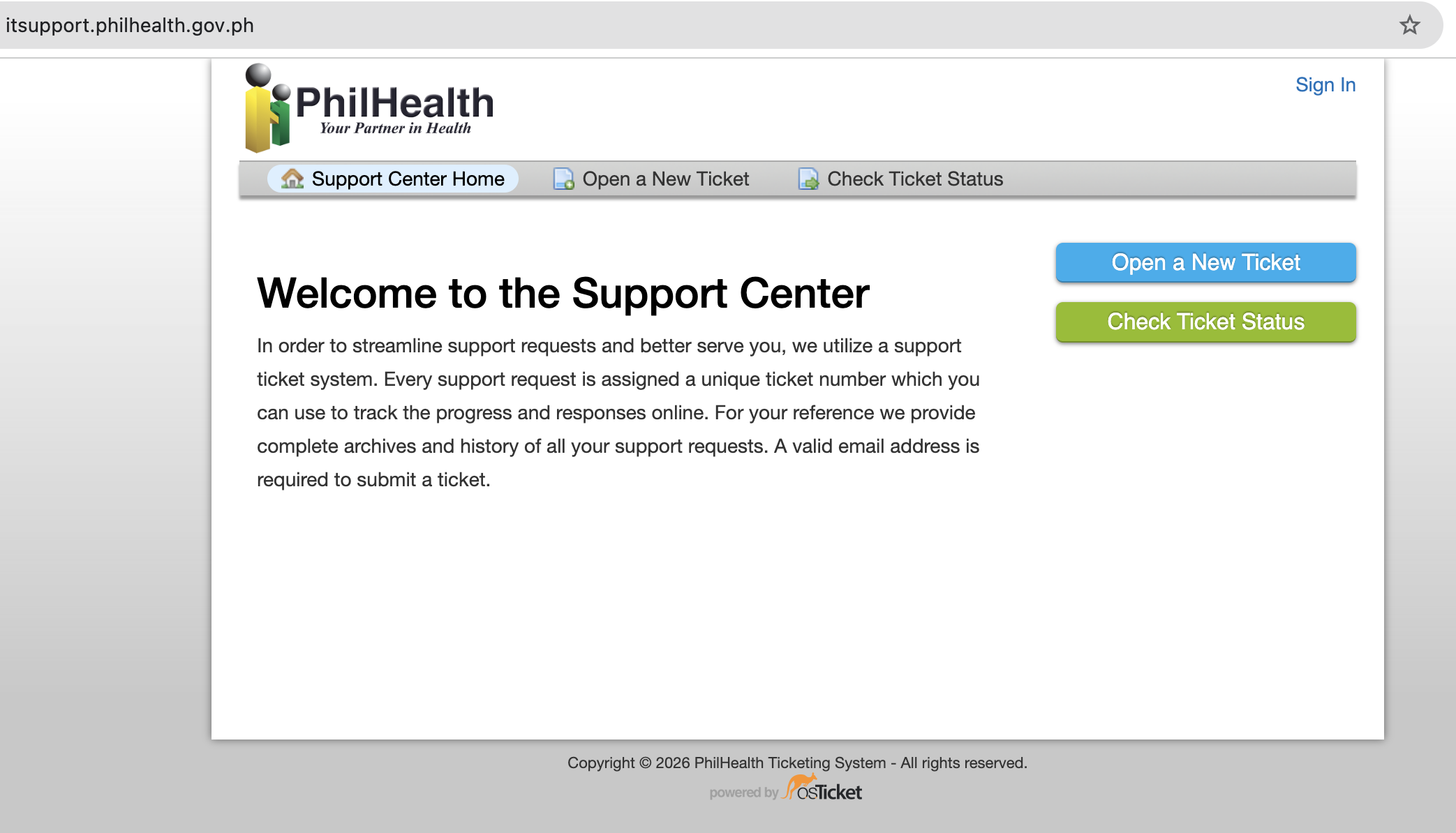
To register, email these two things to it.support@philhealth.gov.ph:
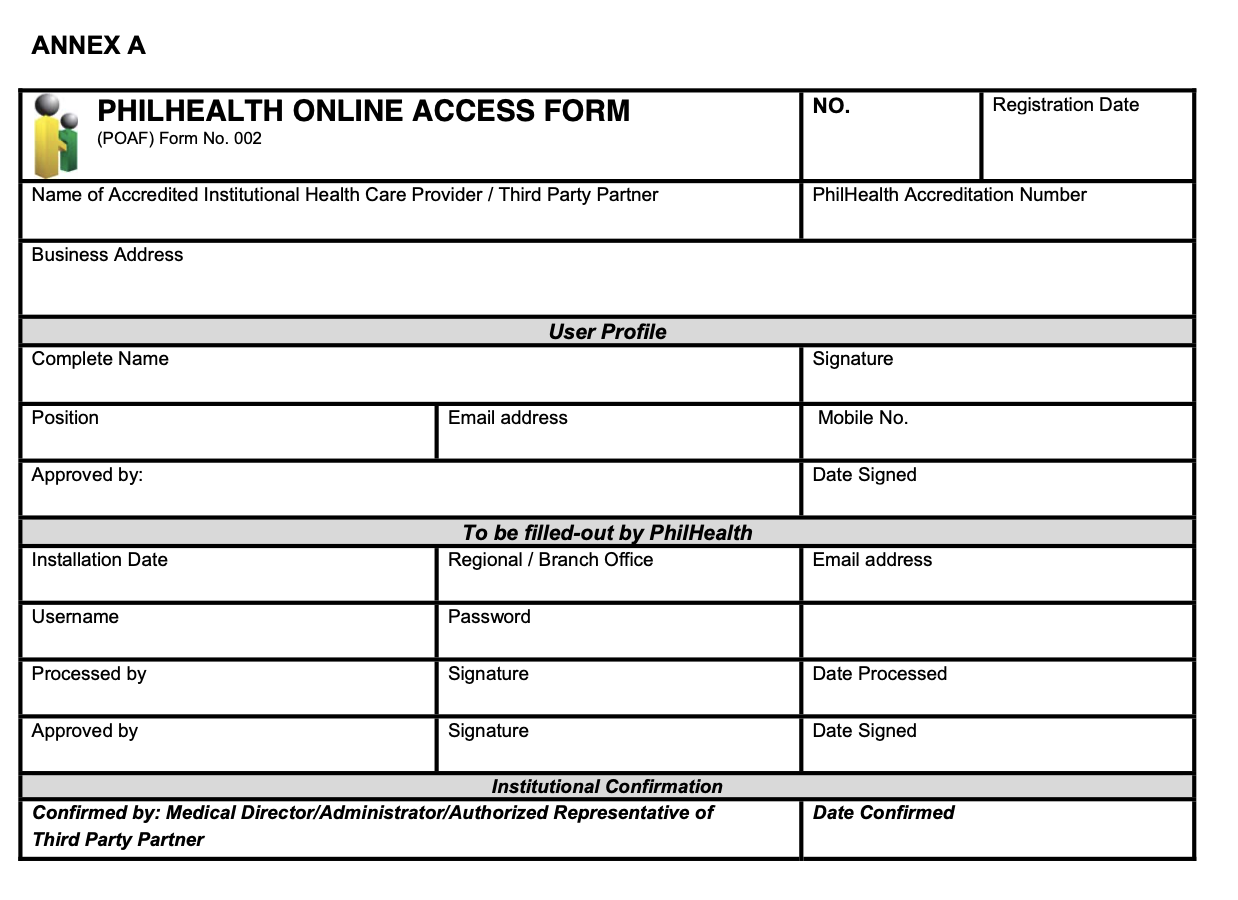
- A filled-out PhilHealth Online Access Form (Annex A)
- A photo or scan of any valid government-issued ID
How to register
Step 1. Download and fill out the form
Download the PhilHealth Online Access Form (Annex A)
Step 2. Prepare a valid government-issued ID
Any government-issued ID works. Make sure the photo or scan is clear and readable, especially the name.
Step 3. Email both to the IT Helpdesk
Send the form and the ID to it.support@philhealth.gov.ph.
After you send it
PhilHealth's IT Helpdesk processes the registration and emails your login details back to you.
