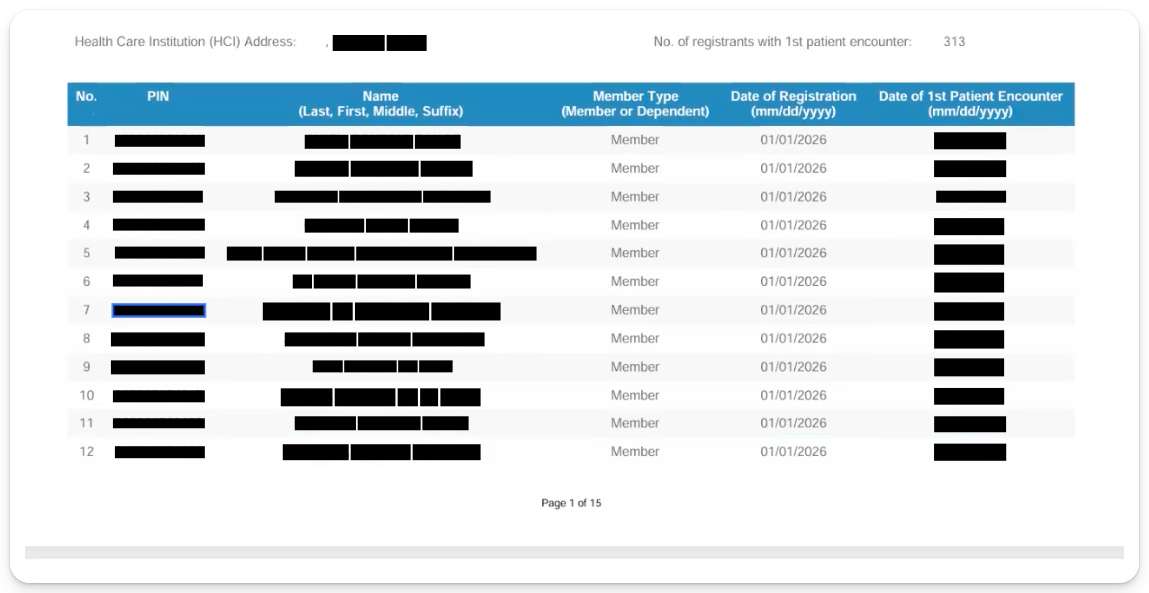
You can pull a list of patients PhilHealth will reimburse you for directly from your IHCP account.
- Log in to your IHCP account.
- Go to YAKAP > SAP Ledger.
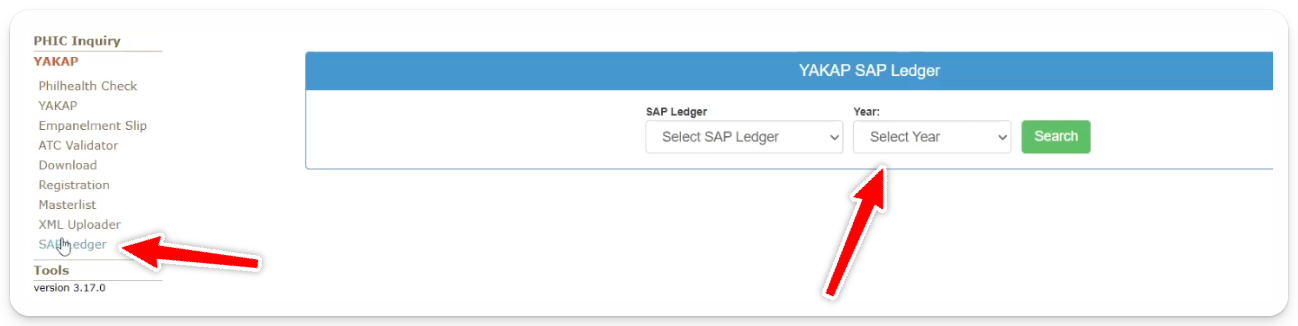
3. Choose the Tranche (1 or 2) and the current year, then click Search.
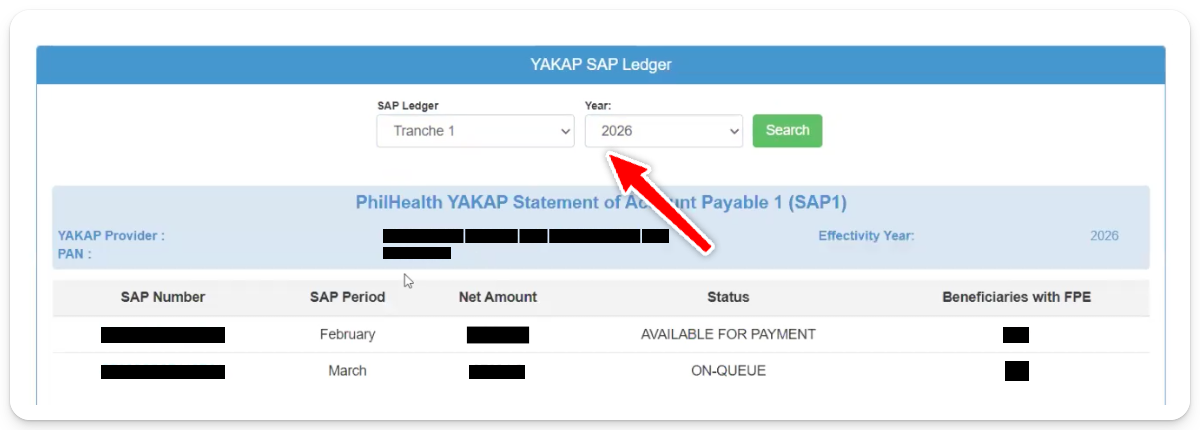
4. Click the number under Beneficiaries with FPE.
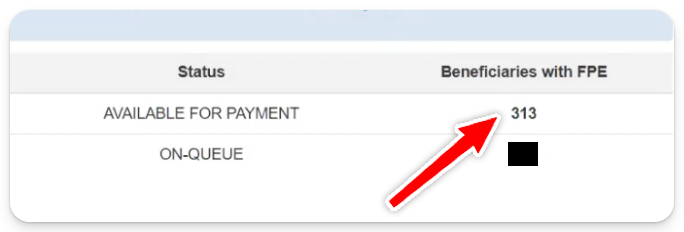
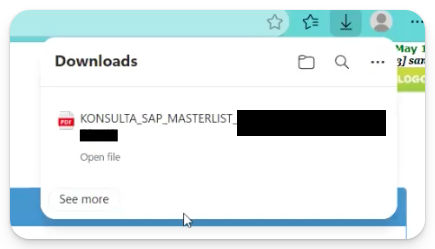
5. A PDF will download automatically.
What's in the PDF
The PDF lists all patients under the selected Tranche, Month and Year whom PhilHealth will reimburse you for.