Your facility can manage the names that appear on eKAS and ePRESS forms directly from Settings.
You can build a list of Prescribing Physicians and Dispensing Personnel, set defaults so the right name is pre-filled every time, and update or remove entries anytime.
How to access
- Click the gear icon on the top right.
- Select Settings.
- Scroll to the Prescribing Defaults section.
Setting your defaults
Under Prescribing Defaults, you'll see two dropdowns:
Default Prescriber — the Prescribing Physician auto-filled in your eKAS and ePRESS forms
Default Dispenser — the Dispensing Personnel auto-filled on new dispensing records
Managing the Prescribing Physician and Default Dispenser list
- Add a name — Click + Add prescribing physician, type the name in the new field.
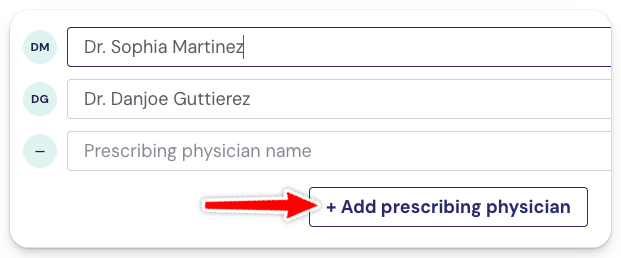
- Edit a name — Click into any existing field and update the text.
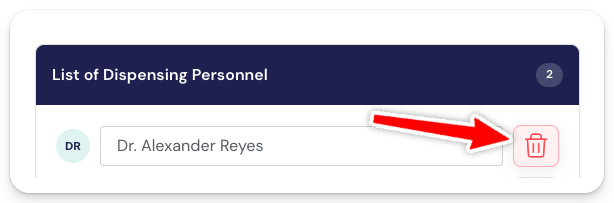
- Delete a name — Click the red trash icon beside the name.