

To Import Previous Data from eKON to SeriousMD YAKAP
Log in to your eKON account.
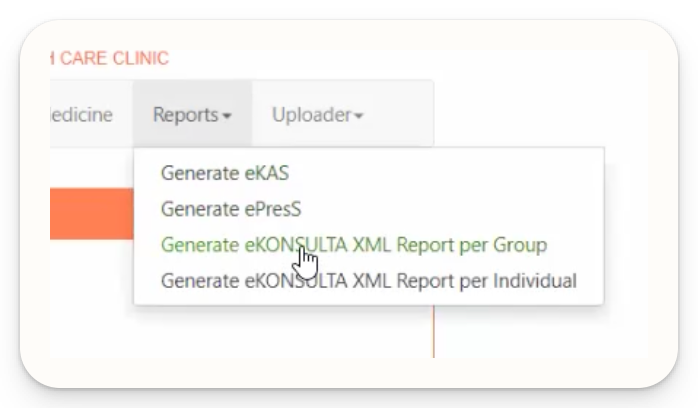
Navigate to Reports → Generate eKONSULTA XML Report per Group.
Select your desired Start Date and End Date.
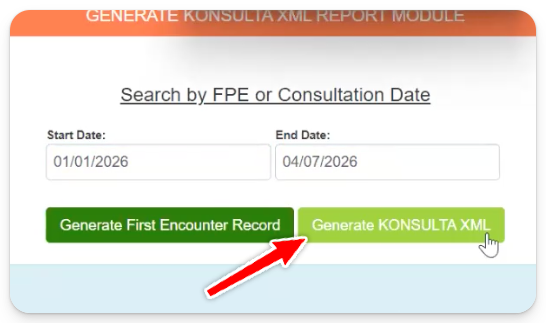
Click “Generate KONSULTA XML” to download the report.
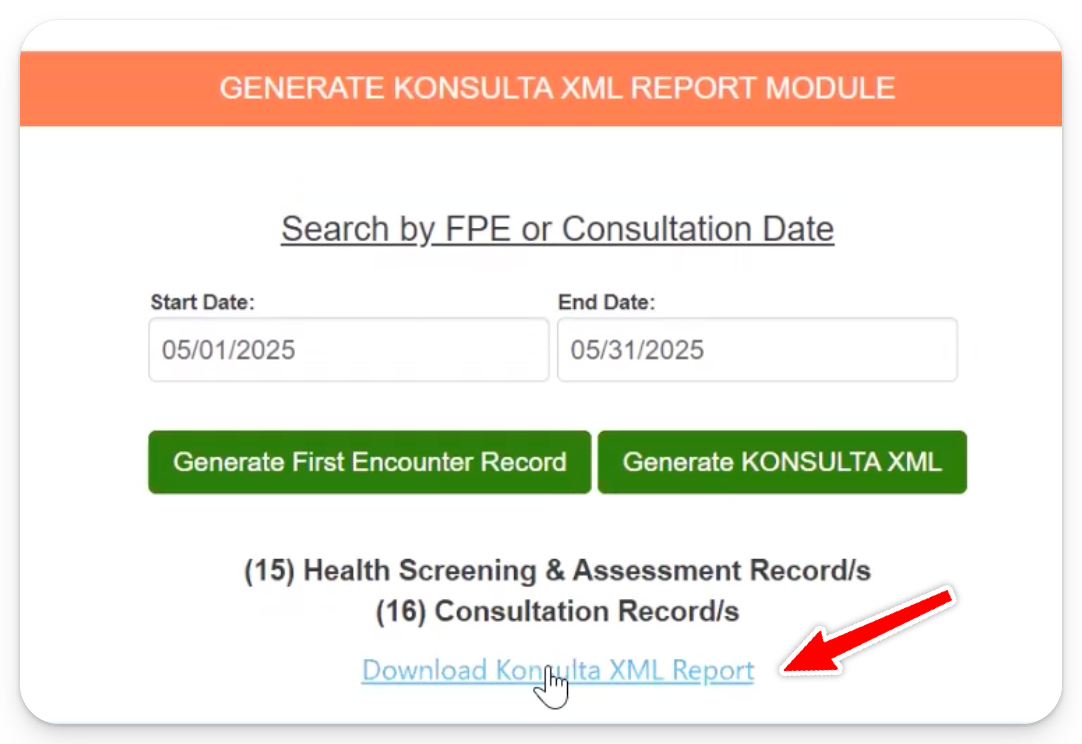
Wait for the file to be generated, then download it
💡 Tip: If you have many patients, this process may take some time.
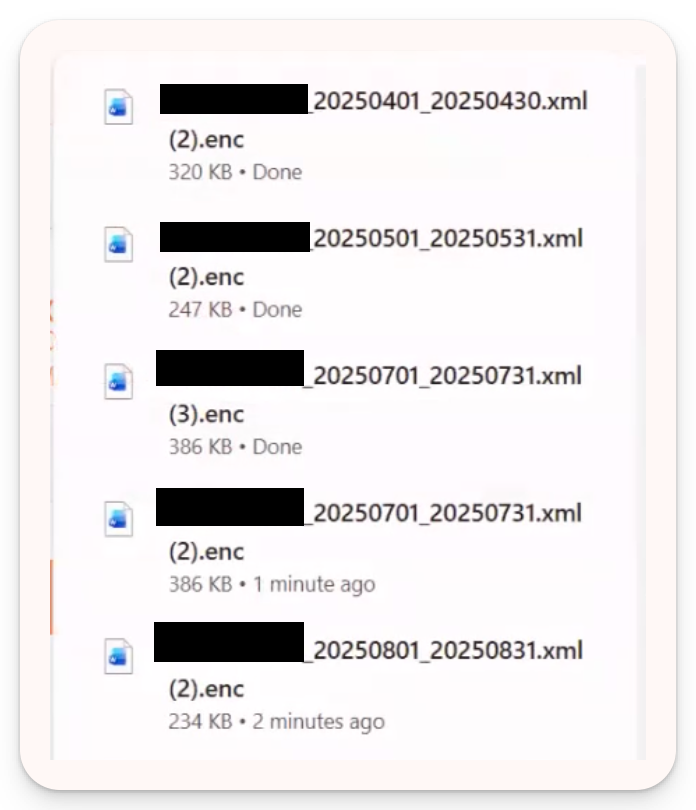
IMPORTANT: DO NOT RENAME THE XML FILES
Email report to SeriousMD team and include the cipher key from eKONSULTA
- Email the generated XML file(s) to the SeriousMD team
- Make sure to include your cipher key from eKONSULTA
Important: Cipher Key Required
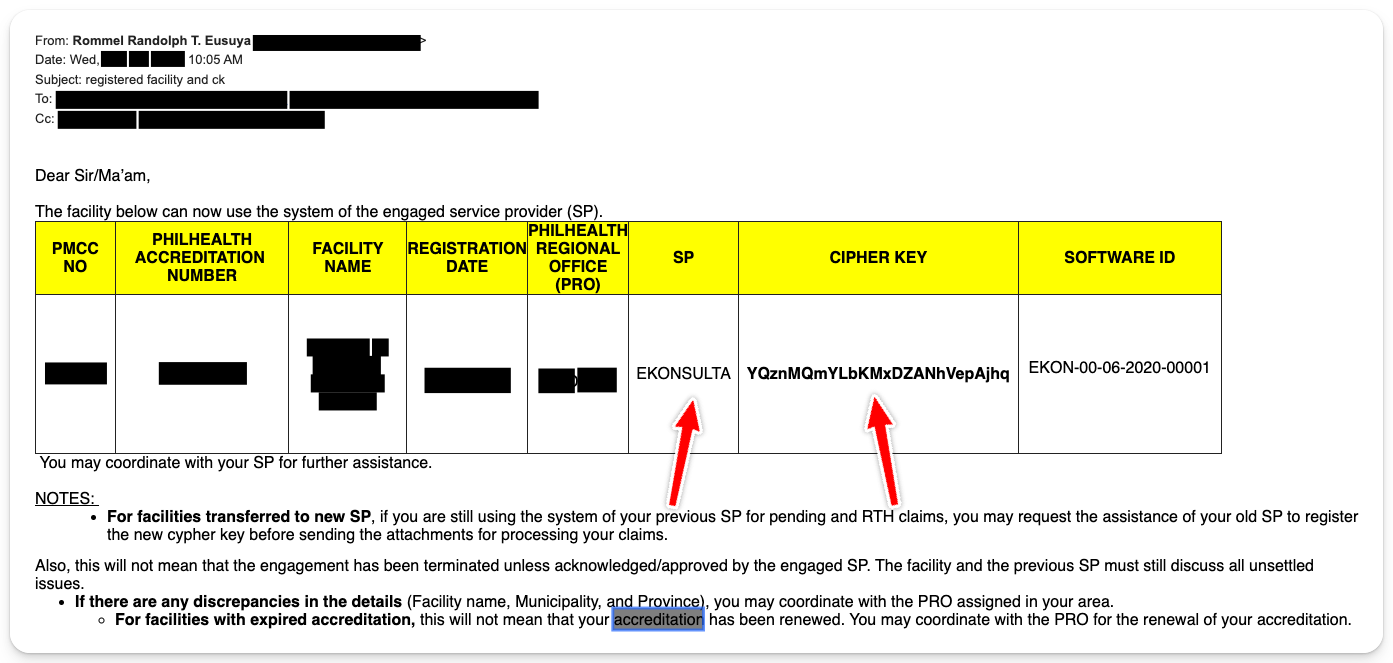
To successfully import your data into the YAKAP system, you must provide the cipher key issued by PhilHealth when you were granted access to the eKONSULTA platform.
This is required for us to successfully import your data into the YAKAP system.How to find the correct email:
1. Look for the email sent by PhilHealth
2. The Service Provider should indicate: eKONSULTA
3. The Software ID should appear as: EKON-00-05-2020-00001
Important Reminder:
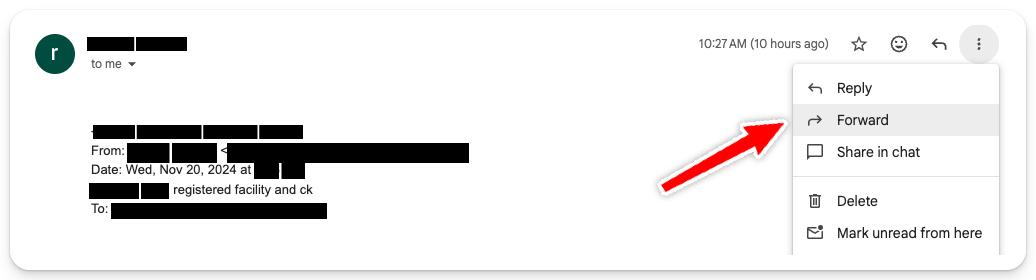
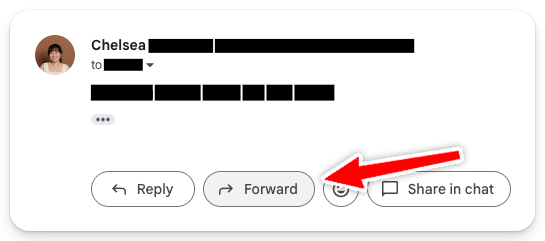
Please forward the original email to us
Do not send a screenshot, as we need the exact details to import successfully
Recommendation: Generate Files Monthly
To avoid long processing times or large file sizes, we recommend generating XML files per month instead of one large batch.
