What is the Masterlist?
The Masterlist is PhilHealth's official list of patients who are registered (enlisted) to your facility.
SeriousMD does not pull this list automatically. You have to import it yourself, and re-import whenever it changes.
Why it matters
If you don't import the Masterlist, you're working in the dark. You might treat a patient thinking they're covered, only to have the claim rejected later because PhilHealth doesn't see them on your list.
Importing from your masterlist gives you:
- Accurate PINs and enlistment dates that match PhilHealth's records exactly
- A reliable patient search in Daily Visit (you can only find patients who are in your imported Masterlist)
- Submittable claims, since cases for unimported patients will get stuck on Confirm Registration instead of For Submission
How to import
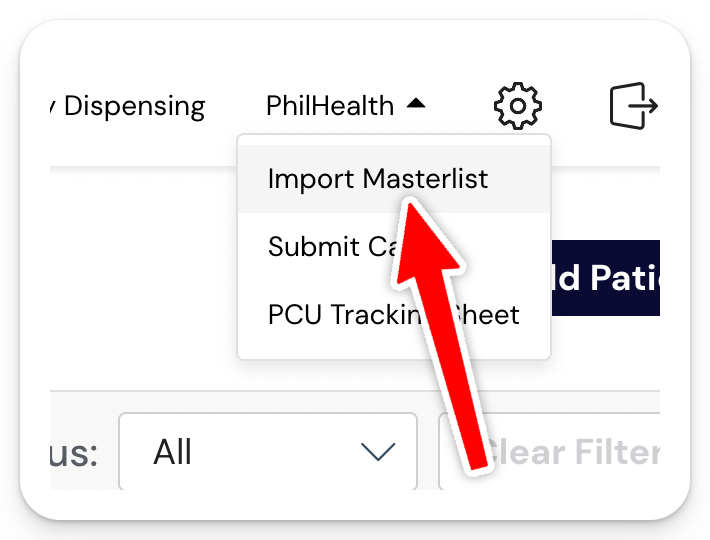
Step 1: Go to PhilHealth > Import Masterlist
Step 2: Enter a date range
The date range determines which enlistment records are pulled. We recommend setting it to span the period since your last import, with a small buffer on either end.
For example, if your last import was on April 1 and today is May 1, set the range from March 28 to May 5 to make sure nothing gets missed.
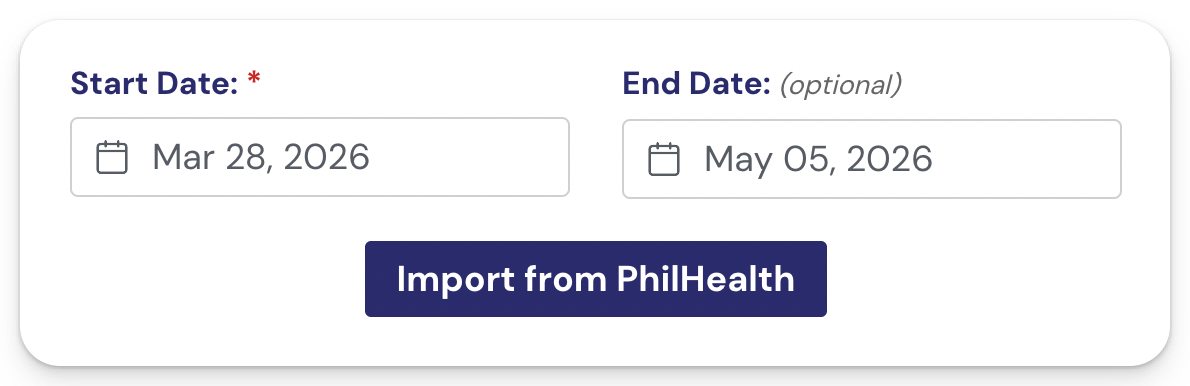
Step 3: Click Import from PhilHealth
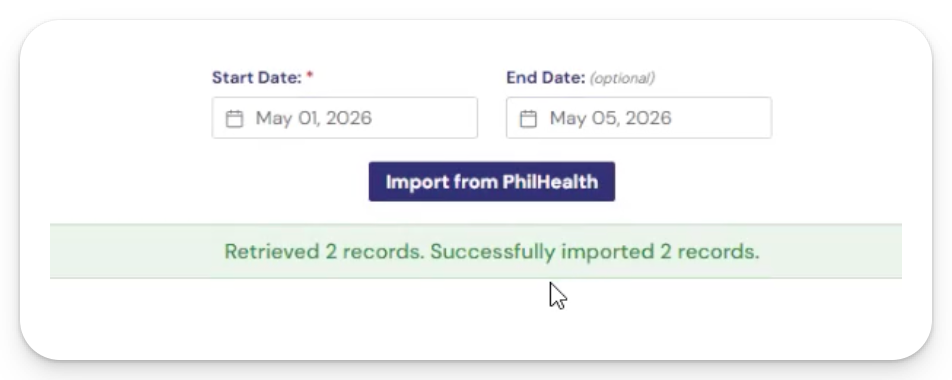
The system will sync. Wait for the confirmation before navigating away.
How often to import
There's no hard rule, but as a guideline:
- Whenever PhilHealth releases a new batch of enlistments for your facility
- Before any big submission day, so your cases aren't held back by an outdated list
- Whenever a patient seems missing from your Daily Visit search results
The more recent your last import, the fewer surprises you'll run into.
What success looks like
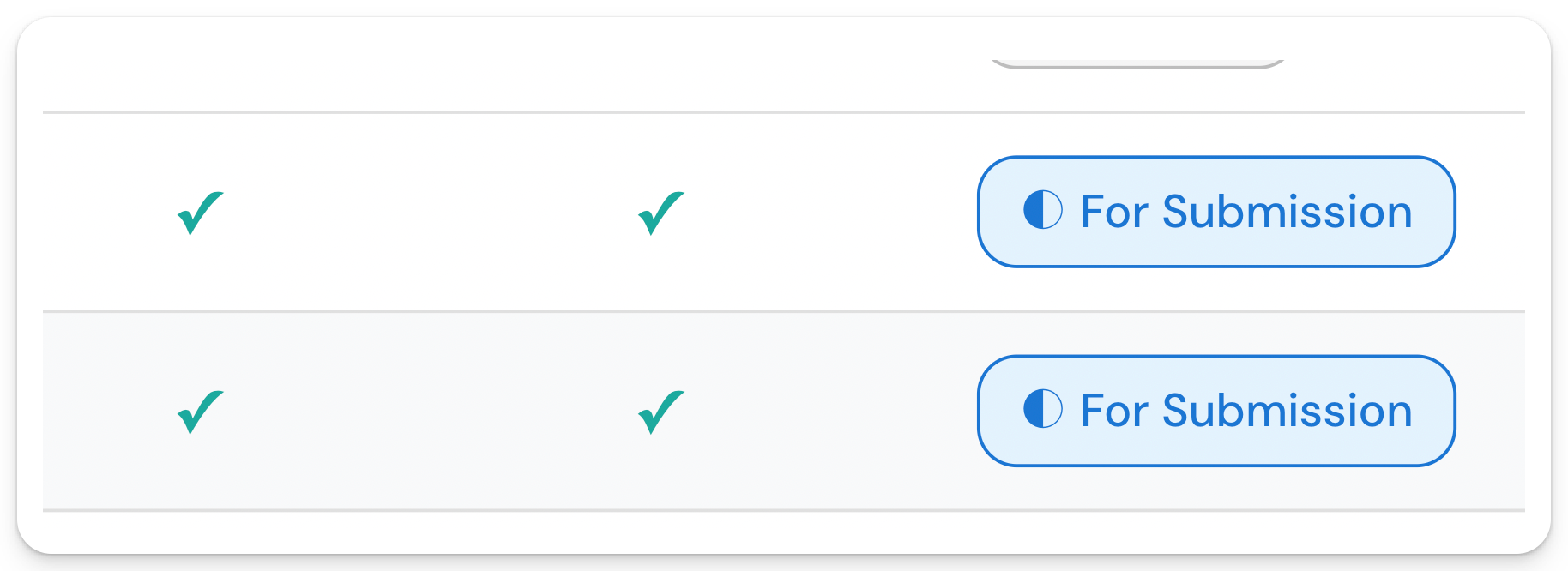
After importing, the patient should appear when you search in Daily Visit > Add Patient, and any visits you mark Complete should land on the For Submission status (ready to transmit to PhilHealth).
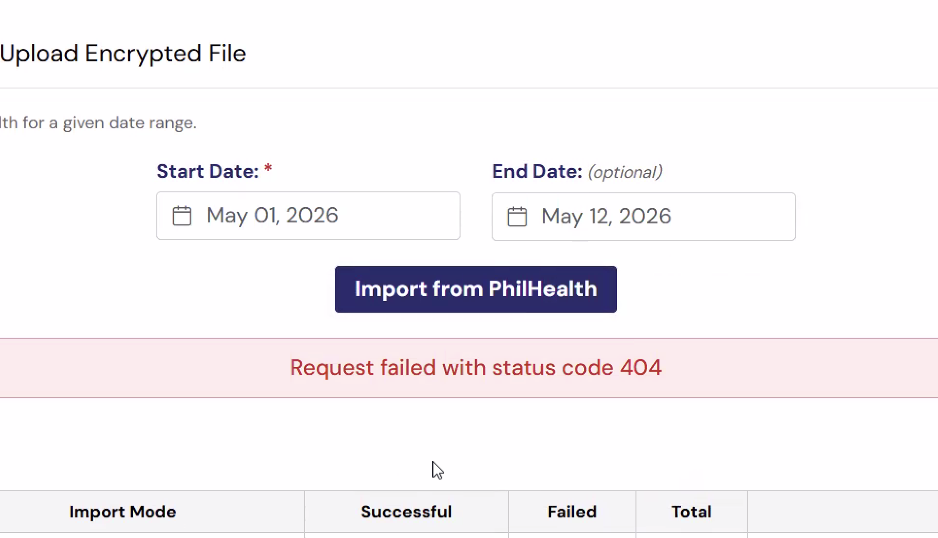
Error Code 404 When Importing Masterlist
This means that there no new patients that registered within the date range set