To easily type ñ , you can enable the US-International keyboard on your system.
Step 1: Add the US-International Keyboard
- Press Windows + I to open Settings
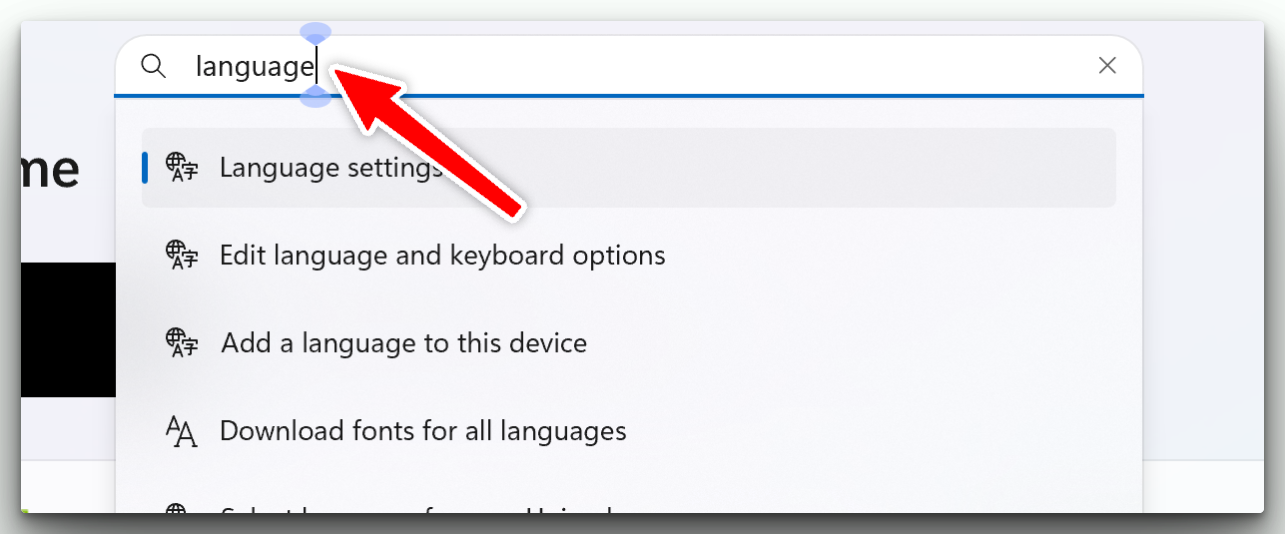
- In the search bar, type Language settings and open it.
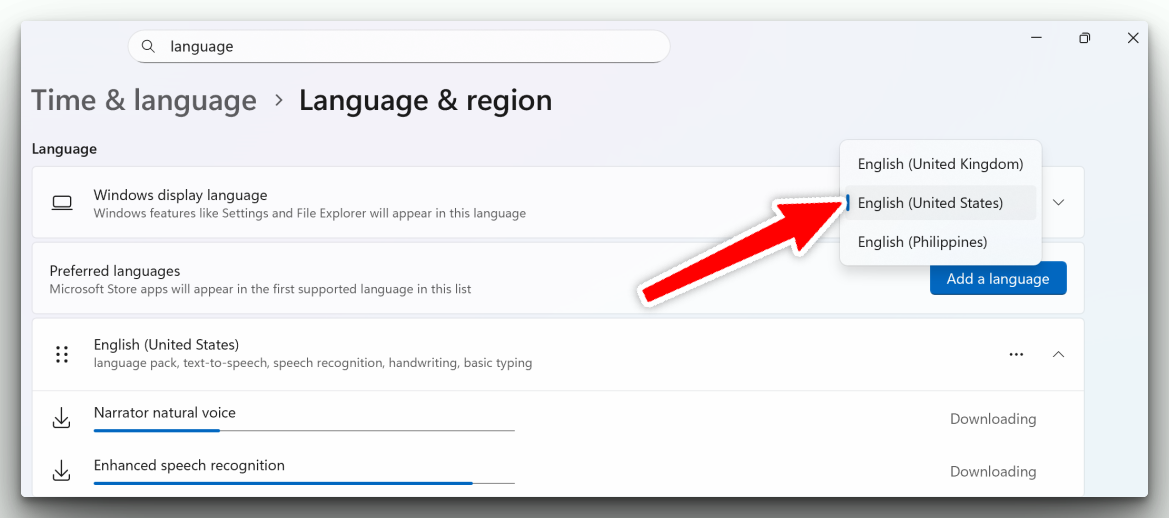
- Under Windows display language, make sure English (United States) is selected.
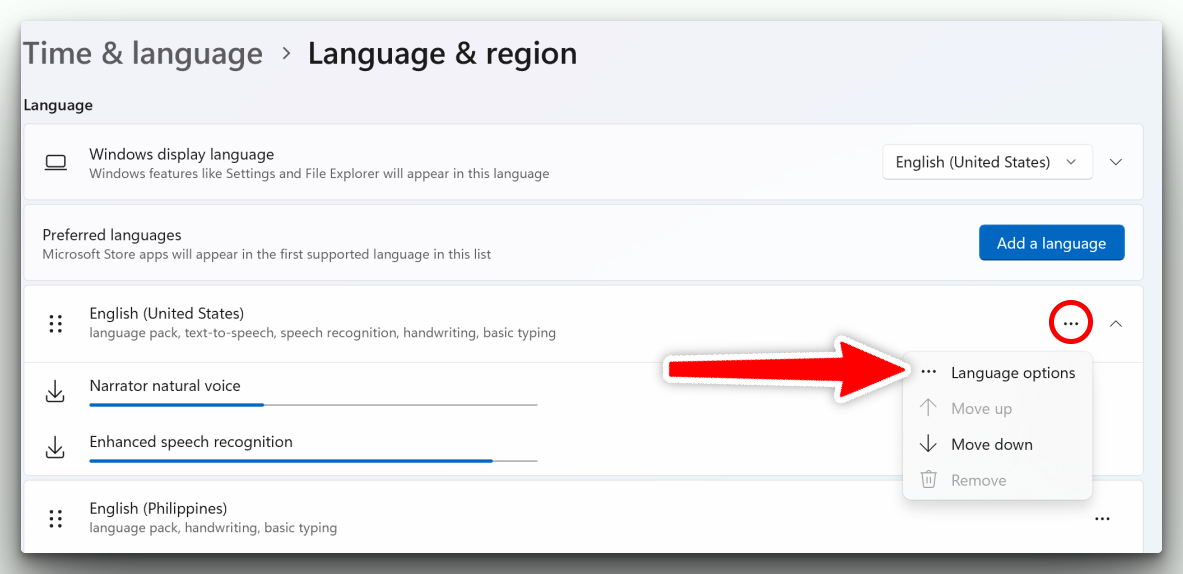
- Under Preferred languages, select English (United States)
- If it’s not listed, click Add a language and install it
- Click the three dots (⋯) next to it → select Language options
- Scroll down to Keyboards, then click Add a keyboard

- Choose United States-International
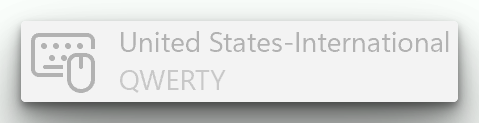
Step 2: Switch to the US-International keyboard
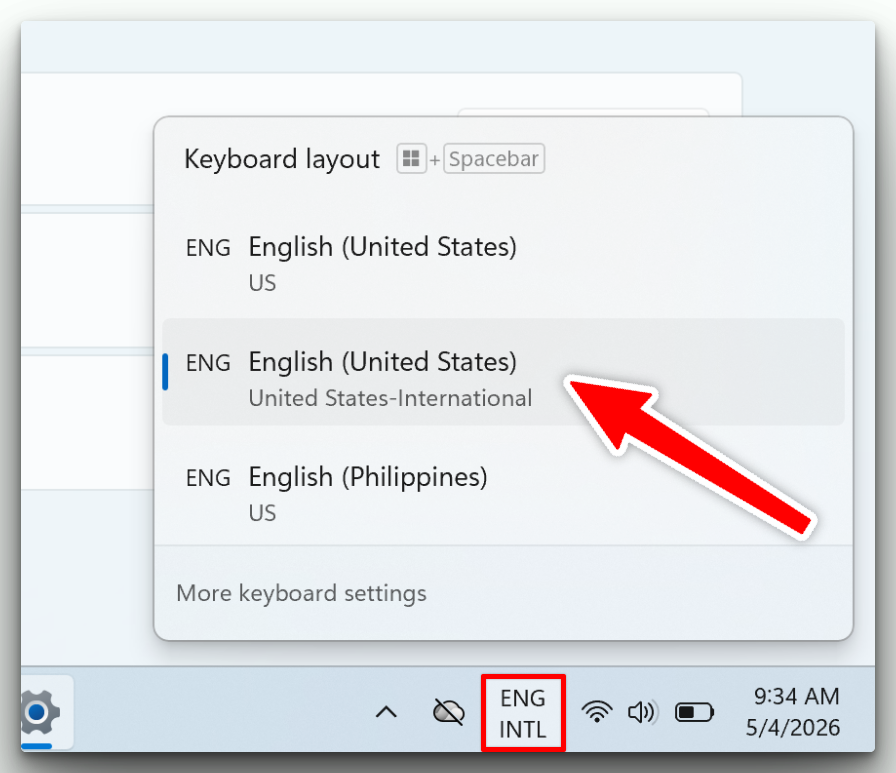
- Press Windows key + Spacebar
- Choose ENG INTL (United States-International)
Step 3: Type ñ
Press Shift then ~ + n → ñ